
Cloudron 9.1
We are happy to announce the release of Cloudron 9.1!
For those unaware, Cloudron is a platform that makes it easy to run web apps like n8n, WordPress, Nextcloud, GitLab on your server and keep them up-to-date and secure.
Notifications view
The notifications panel has been redesigned with read/unread state management.
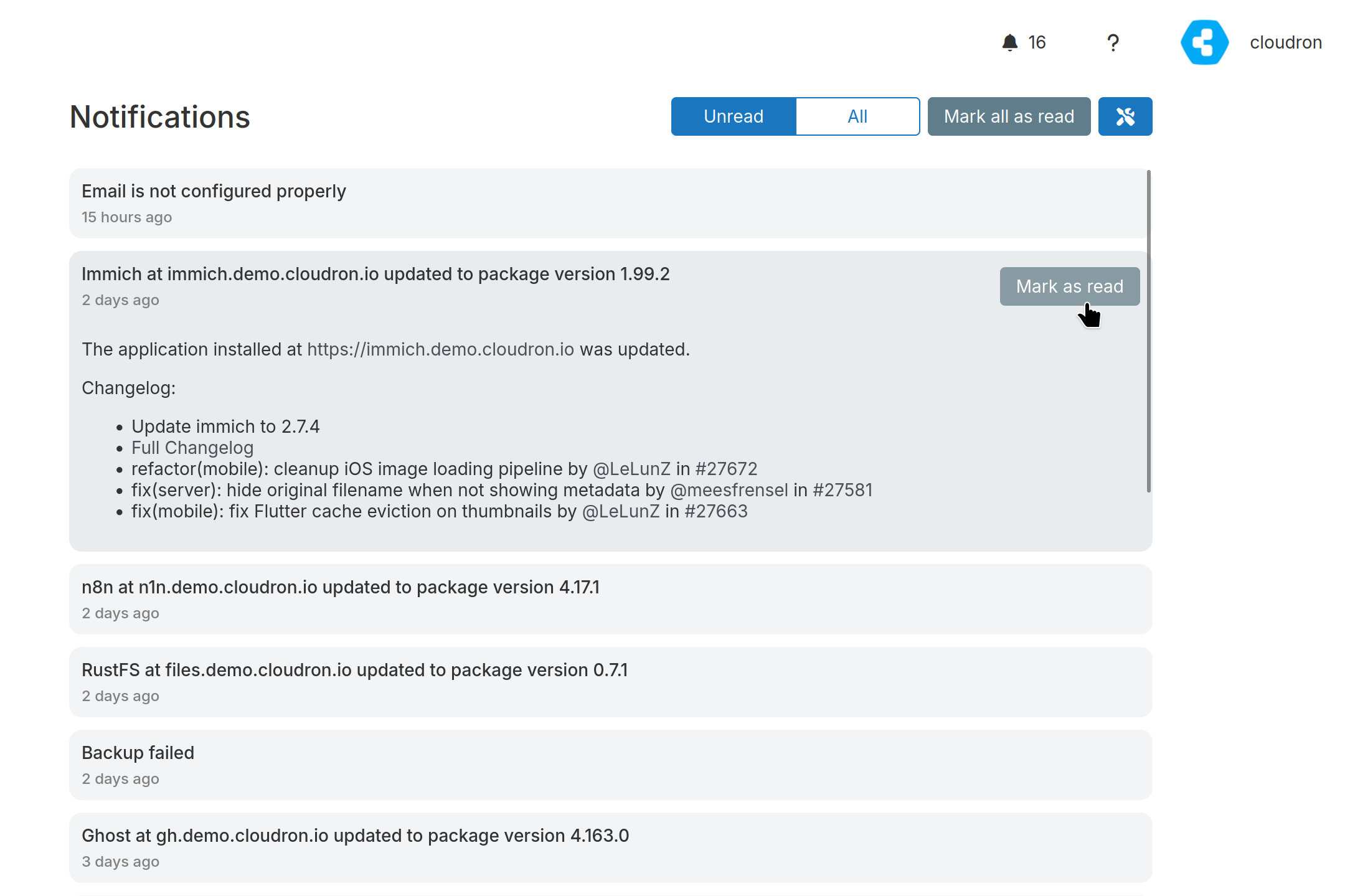
Two new notifications help you stay on top of updates:
- Automatic app update failure - when an app fails to auto-update (e.g., due to an add-on incompatibility or resource constraint)
- Manual platform and app update required - when Cloudron platform or an installed app has a pending update that requires manual intervention
Let’s Encrypt ARI support
Certificates are renewed automatically based on suggested renewal times provided via ACME Renewal Information (ARI). Benefits of ARI include reducing load spikes at the CA, faster revocation response, and smarter scheduling. Renewals typically occur 1 month before expiry.
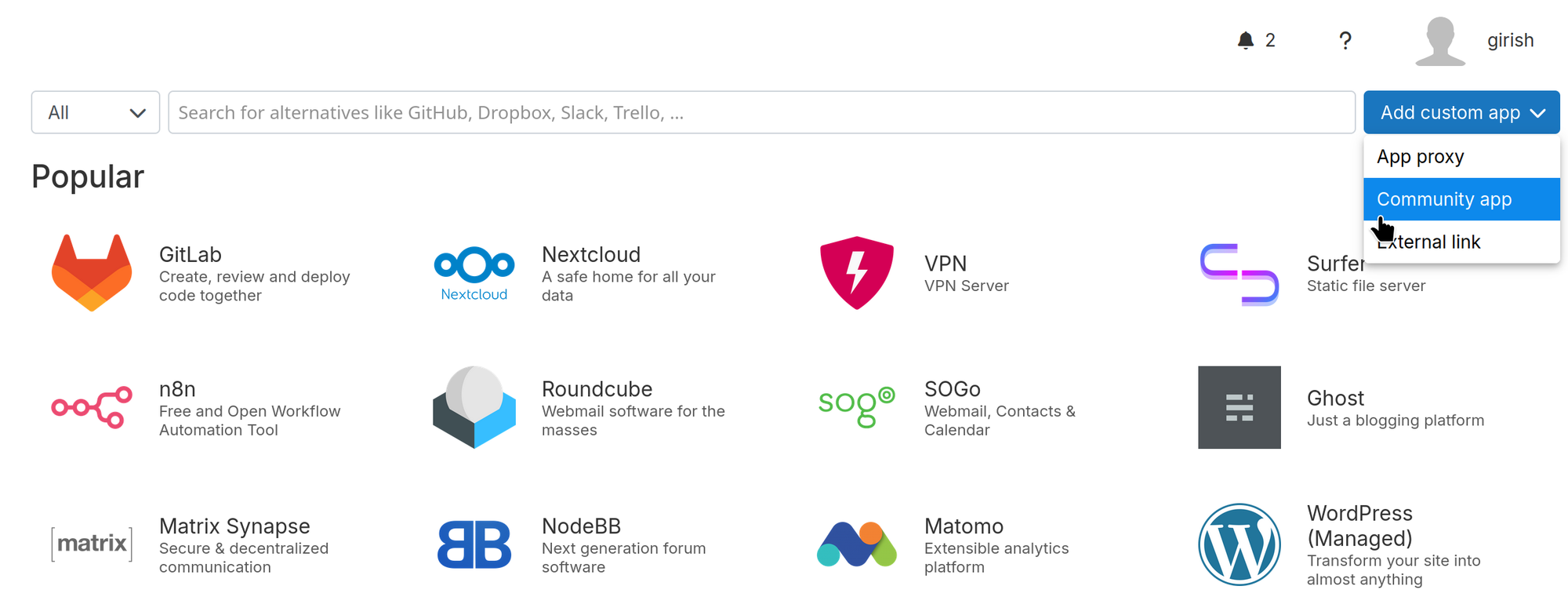
Community apps
Third-party developers can now publish app packages independently using a CloudronVersions.json file. Community apps receive automatic updates when the developer publishes new versions. Around 25 community apps are already available.
Packaging: Backup Hooks & Persistent Dirs
Three new manifest fields (backupCommand, restoreCommand, and persistentDirs) have been added to make it possible to package database apps properly. Directories like /var/lib/postgresql can now persist across container updates, while backup and restore hooks can export and import logical database dumps so that snapshots are always consistent and portable across versions.
Source builds
Apps can now be built directly on the server using cloudron install and cloudron update. The CLI uploads the source directory to the server, which builds the Docker image and starts the app, eliminating the need for a local Docker setup or external build service. For those who prefer building locally or offloading to a dedicated server, alternative build methods are still available.
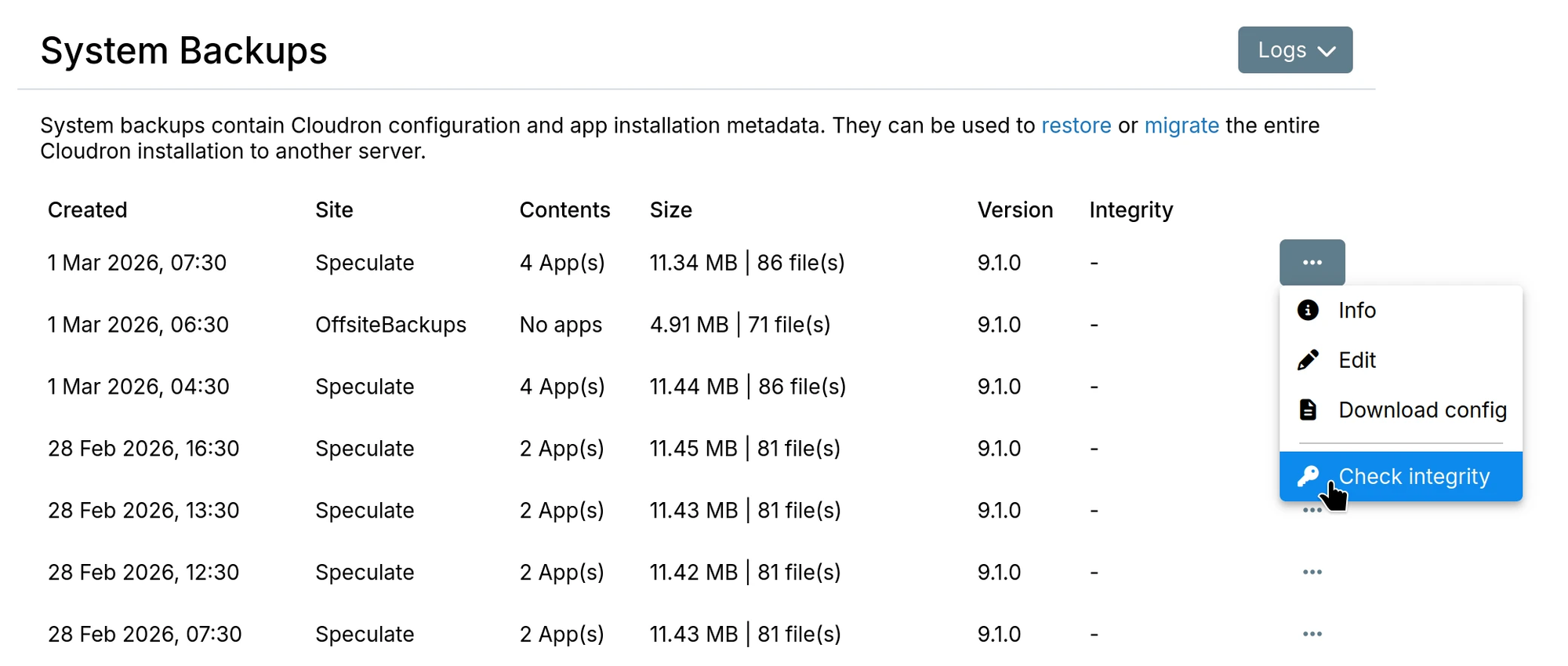
Backup Integrity Check UI
The “Check integrity” action in the backup menu downloads the backup metadata from remote storage, verifies its signature, and validates all backup files against recorded checksums and sizes.
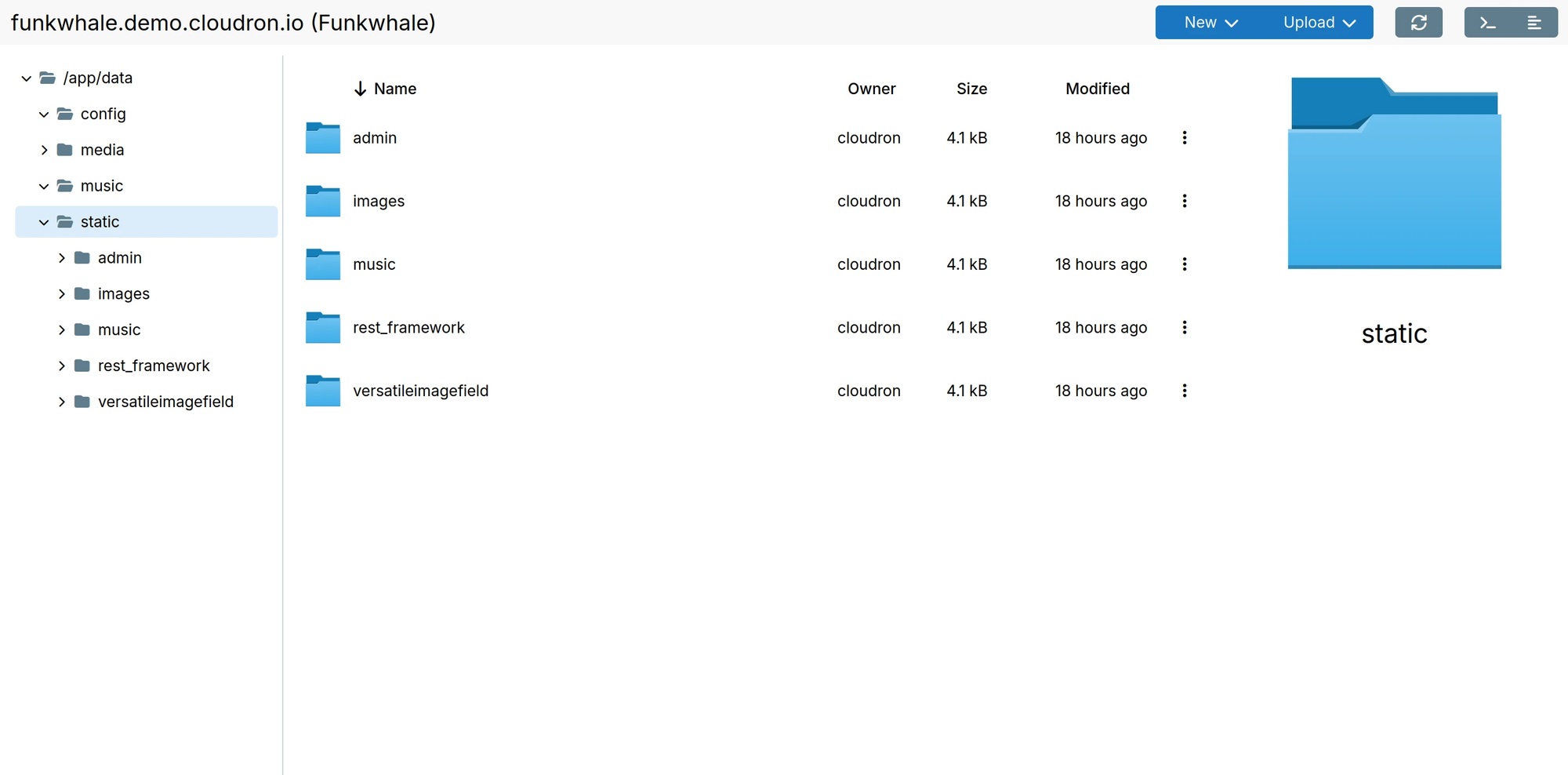
Filemanager Treeview
The file manager has a tree view in the left panel, making it easy to navigate deeply nested directory structures. Drag and drop across different folders is much simpler since both the source and destination can be visible at the same time.
Passkeys
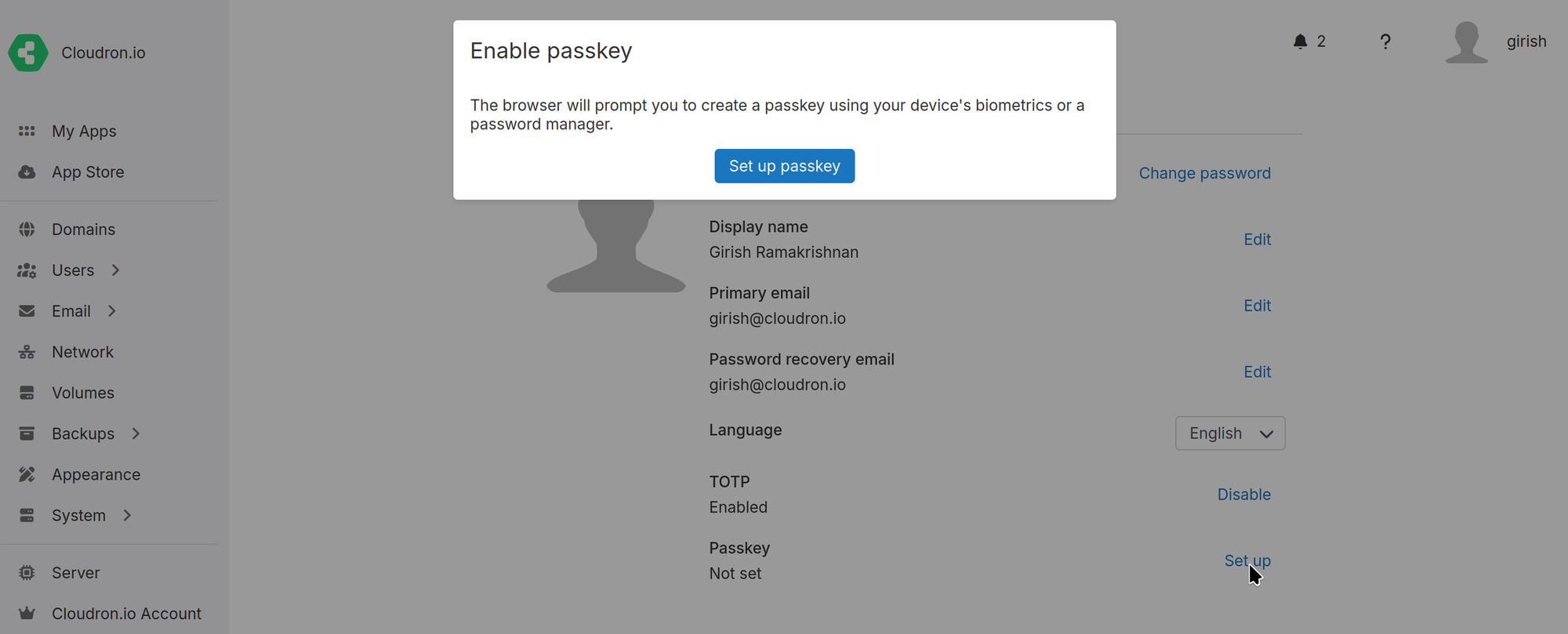
Passkeys enable passwordless login using a hardware security key, platform authenticator (fingerprint, Face ID), or password manager. A passkey can also serve as a second factor alongside a password.
Click Set up next to Passkey in the profile view to begin the registration process.
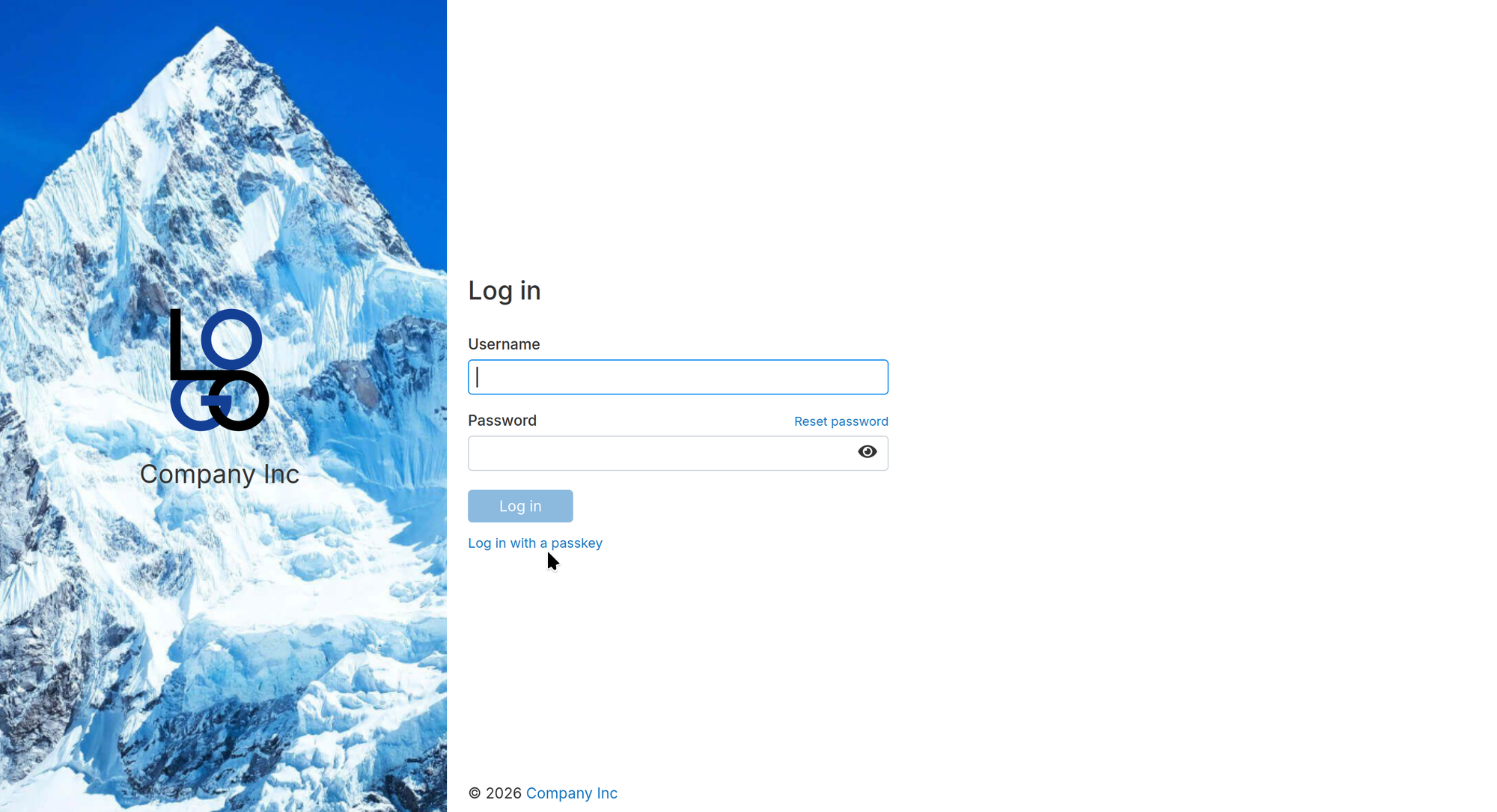
The login screen provides a “Log in with a passkey” option that authenticates without requiring a username or password.
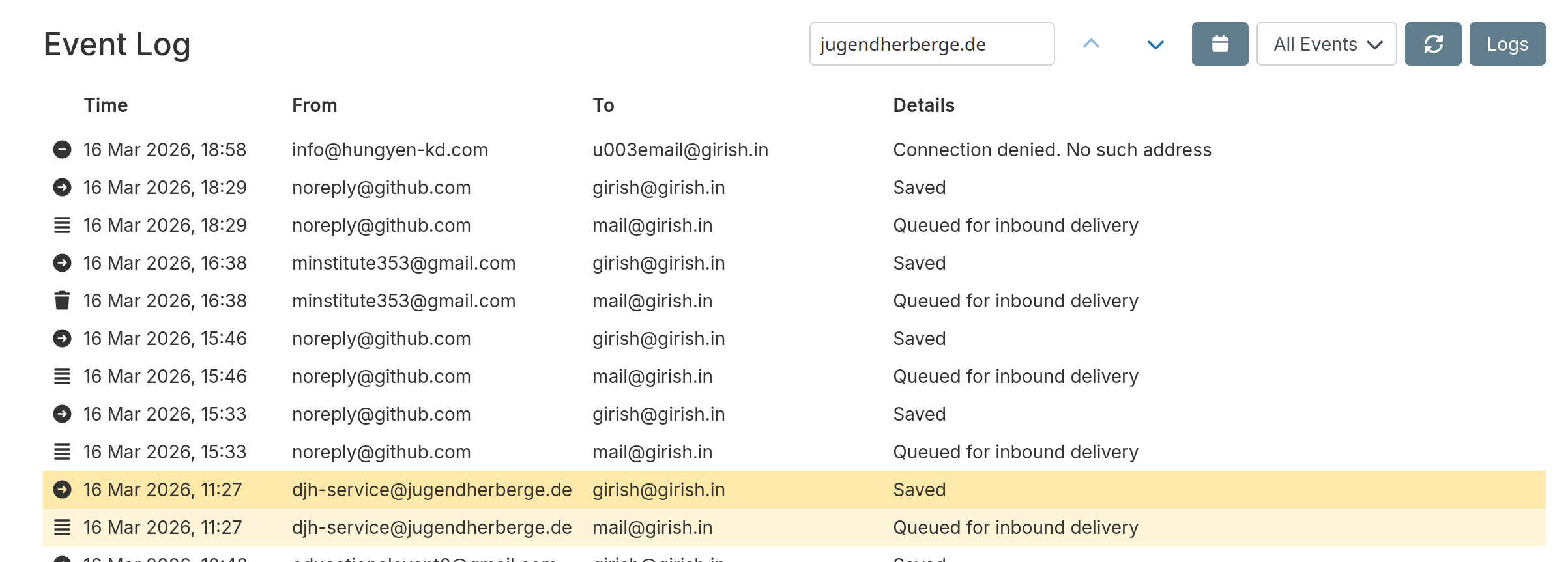
Event Log: Contextual Search
Searching the email and system event logs now highlights matching entries in place instead of filtering out non-matching ones. This preserves the surrounding context, making it easier to understand what happened before and after each hit. Next and previous buttons allow quick navigation between matches.
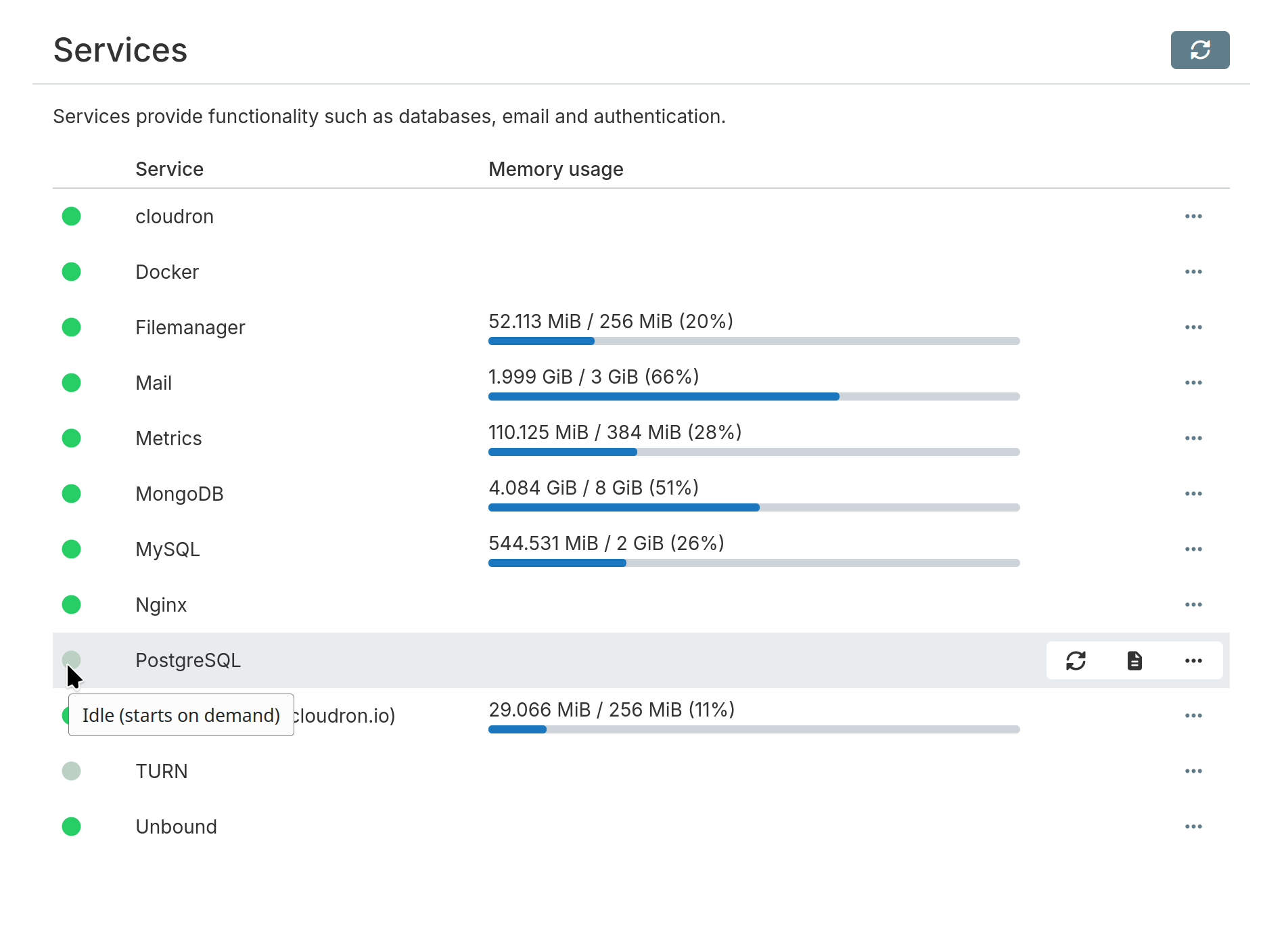
Lazy Service Start
Services like MongoDB, MySQL, PostgreSQL, and TURN are now started lazily, only spinning up when an installed app requires them. This significantly conserves memory and CPU on servers where not all services are in use.
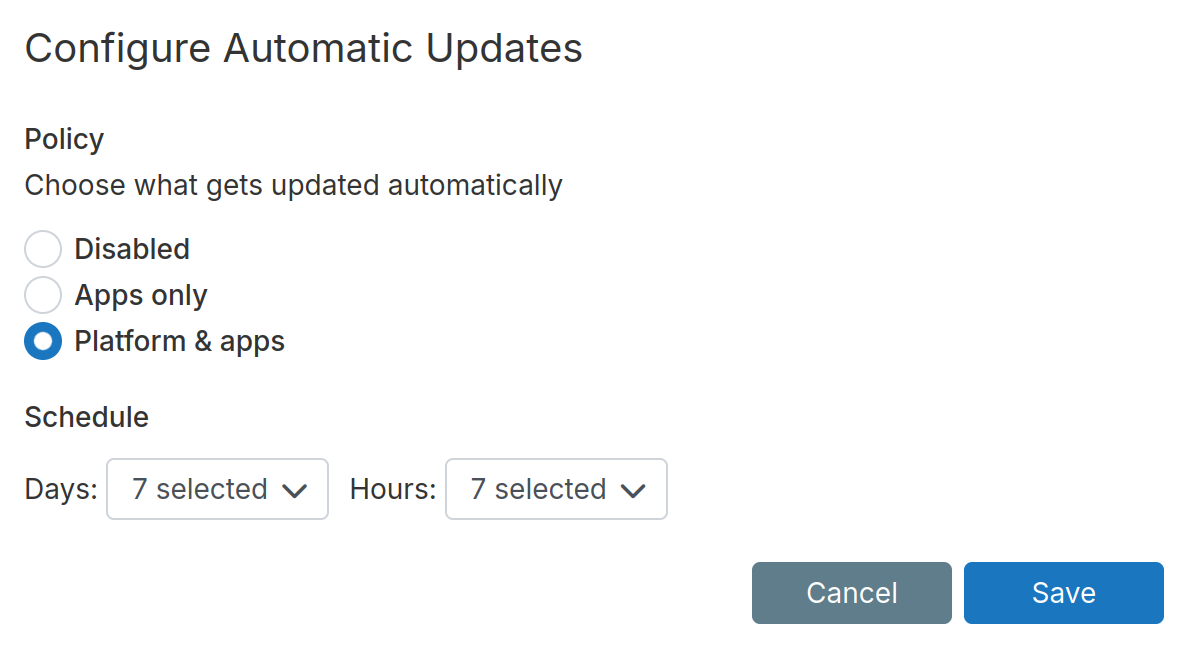
Automatic Update Policy
Updates can now be configured with three policies: Disabled, Apps only, or Platform & Apps. When enabled, a schedule controls which days and hours updates are applied.
Other Notable Changes
- App passwords now support expiry dates
- DigitalOcean Spaces: added missing ATL1, BLR1, and SYD1 regions
- File manager: the terminal button automatically changes to the current directory
- Support for CardDAV/CalDAV well-known endpoints
- CLI: switched to a web-based browser login flow, leveraging existing 2FA and passkey authentication without caching passwords locally
- i18n: added Czech translations. Thanks to archos
- Backup logs are now more terse and concise
- App operator: fixed display of backup progress and logs
- Location: the UI now shows which DNS records are being overwritten
- Backup storage: removed the local disk provider
What’s coming next
Head over to our forum to learn more about What’s coming in our next release - 9.2.
Install Cloudron
New to Cloudron? Get started for free by running with 3 simple commands on your server.
wget https://cloudron.io/cloudron-setup
chmod +x ./cloudron-setup
./cloudron-setup
If you made it till here, here’s a bonus - starting from Cloudron 9, you don’t need to sign up anymore for a Cloudron.io account 🤗.
Comments, suggestions, feedback? Use our Forum.