
Cloudron 10 - A decade of self-hosting
I used to be quite a big Google Reader fanboy. I had a large RSS collection that I carefully assembled over many years, and Google Reader was the main way I read articles on the internet. It was quite a shock when the service was shut down. I think I was more annoyed that there was nothing I could do but accept the terms set by this big co, which couldn’t care less.
This episode got Johannes and me building Cloudron. A way to run apps on our servers without becoming full-time sysadmins. Ten years on, we have been lucky to build a stable company and a great community that actually cares about self-hosting. Thank you for that!
Now, on to Cloudron 10 already!
Mail server #
Mail is the piece of self-hosting people give up on first, given the complexity. Stubborn as we are, we keep investing in it to make it simple. If you think email cannot be reliably self-hosted, give us a try! You will have a working mail server in under 20 mins - batteries included. Most of that time will be spent trying to get an API token for your DNS 😀
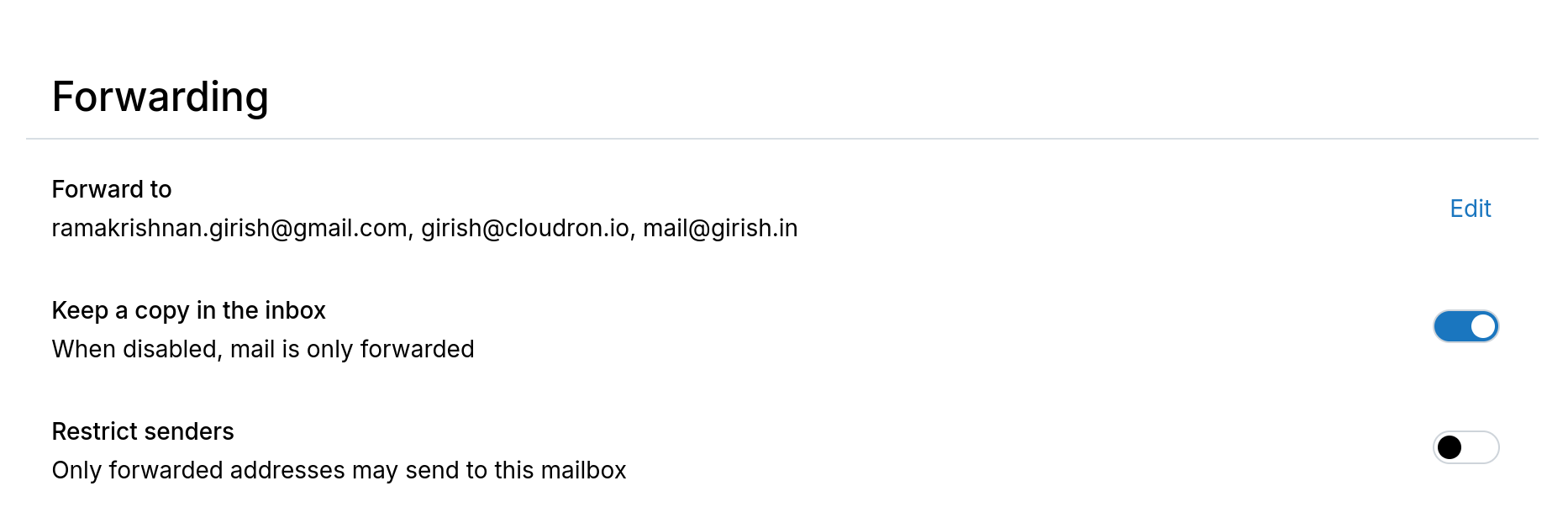
In v10, forwarding lives on the mailbox. We also add ARC (Authenticated Received Chain) headers, so forwarded mail can still prove it was genuine.
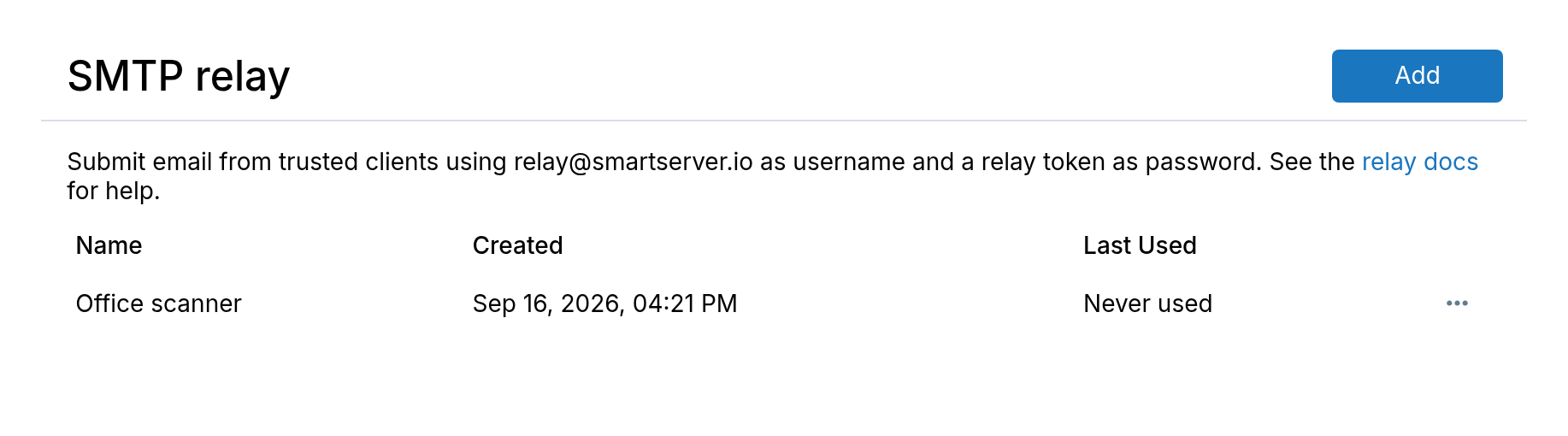
Relay tokens let apps and scripts send through the server without a mailbox password.
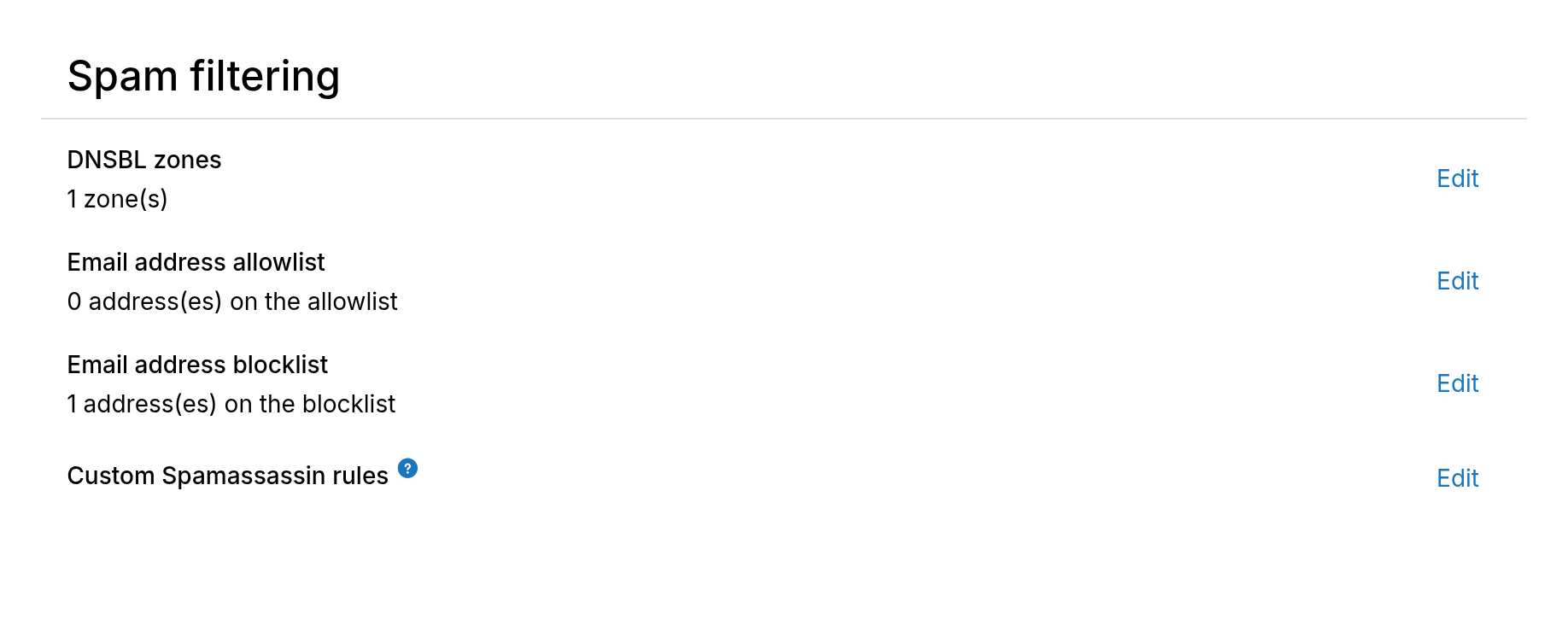
There is a global allow and deny list for spam, and you can attach notes to mailboxes.
Webmail #
The webmail apps we enjoyed like Rainloop, then SnappyMail have unfortunately been abandoned ☹️. We decided it was about time to build our own webmail client.
Mail is a new webmail client specifically made for Cloudron.
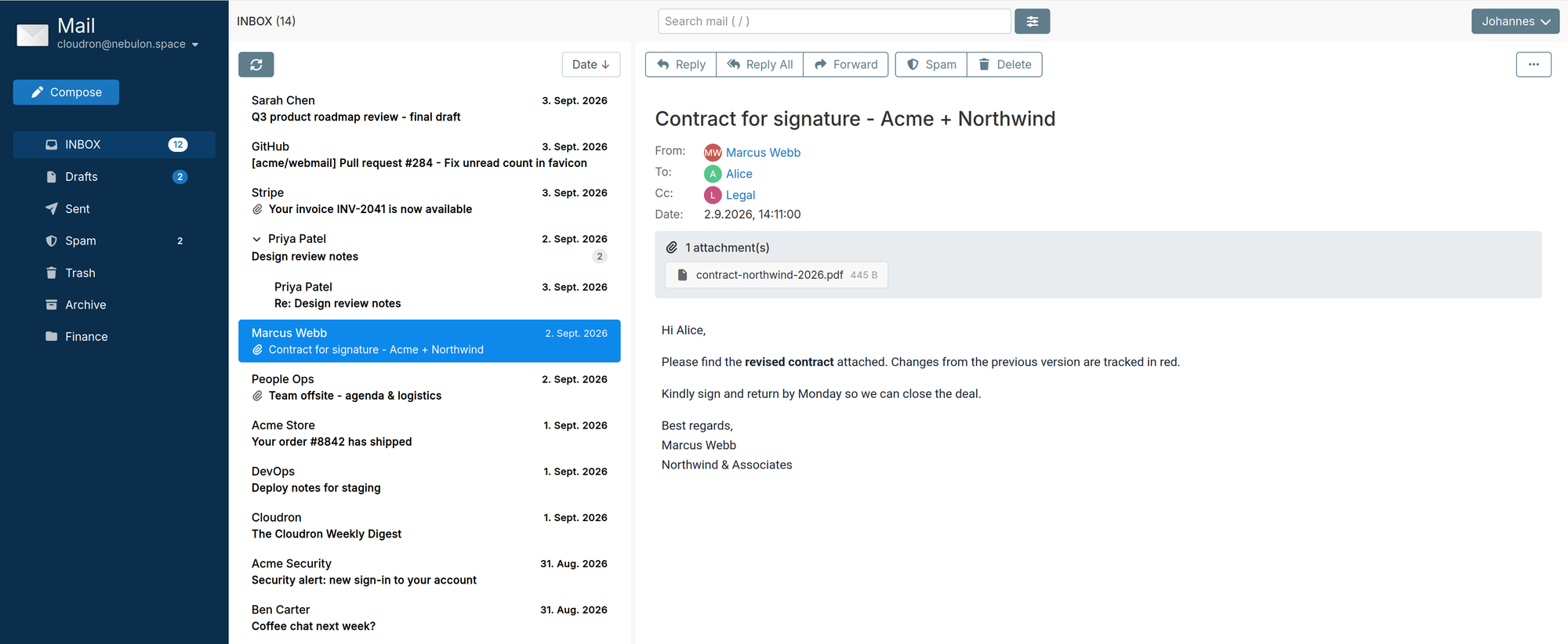
Fast search. One-click spam control. Create filters from a message. Integration with Contacts and Calendar. You know, the things you expect from modern web mail. Right now we are playing catch up and simply making it feature complete before starting to work on ideas that a generic IMAP client cannot do. We will write that up in a separate post.
VPN protection #
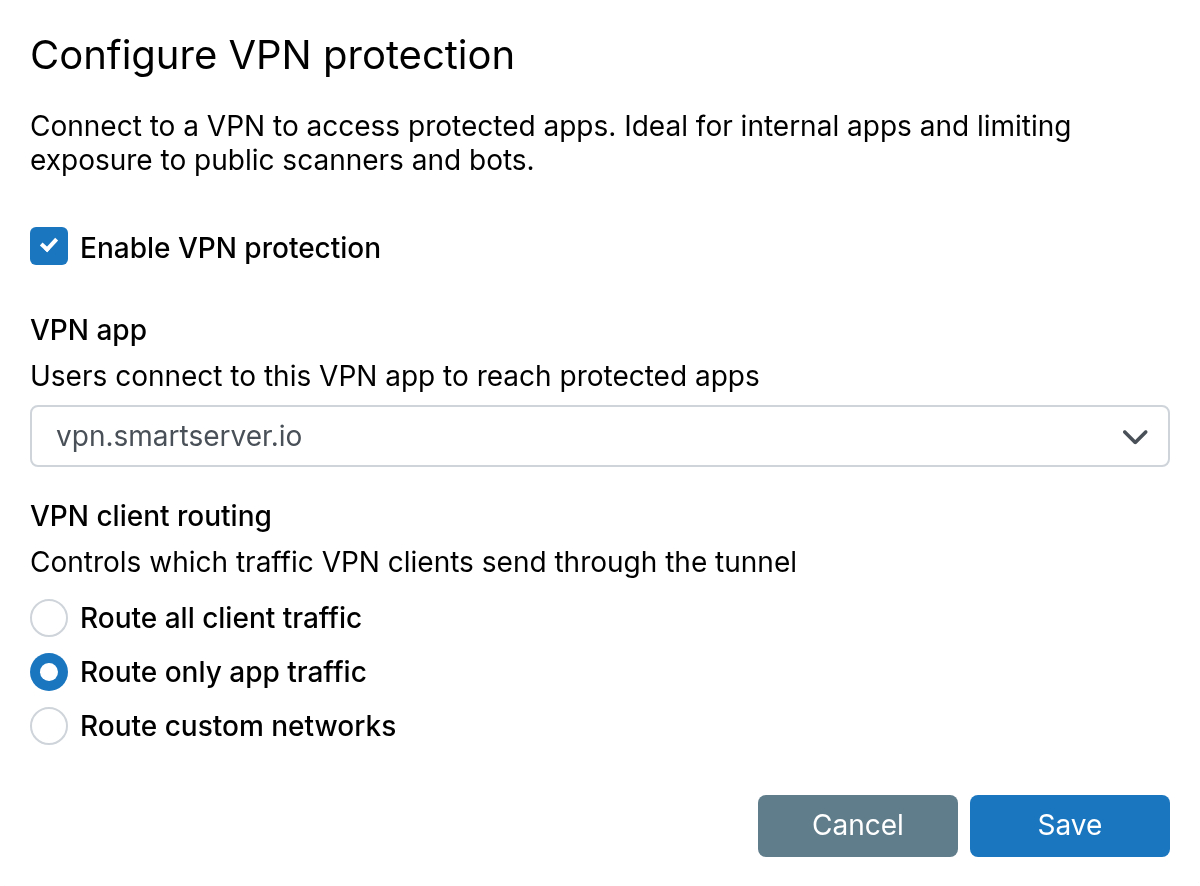
These days you can point an agent at the source repository of an app and find vulnerabilities in a jiffy. Keeping apps updated is good, but sealing internal apps off the internet is better. We built VPN protection to restrict specific apps to WireGuard or OpenVPN.
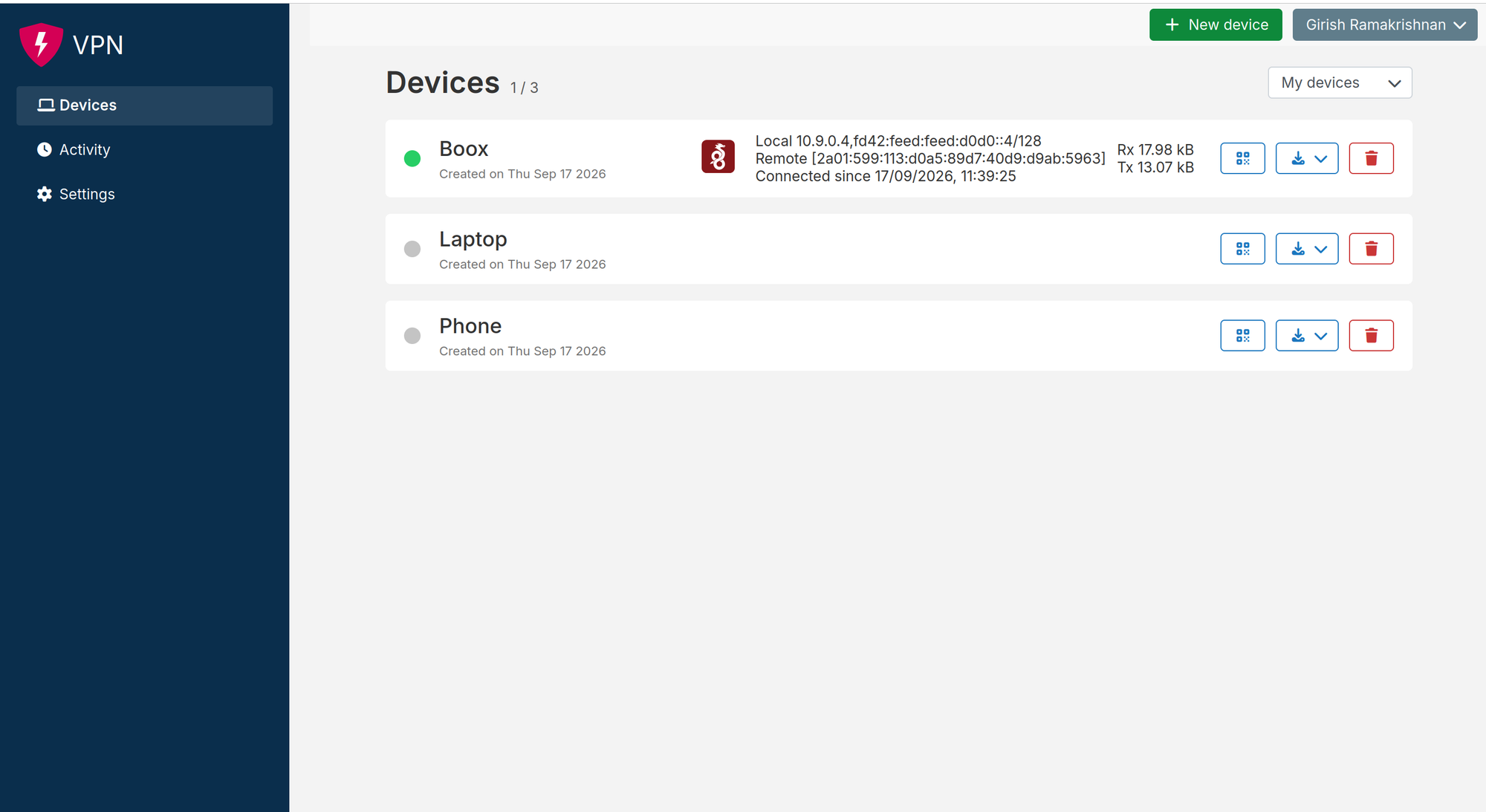
First, install the VPN app. It is self-service - users generate their own device keys.
Then protect specific apps with that VPN.
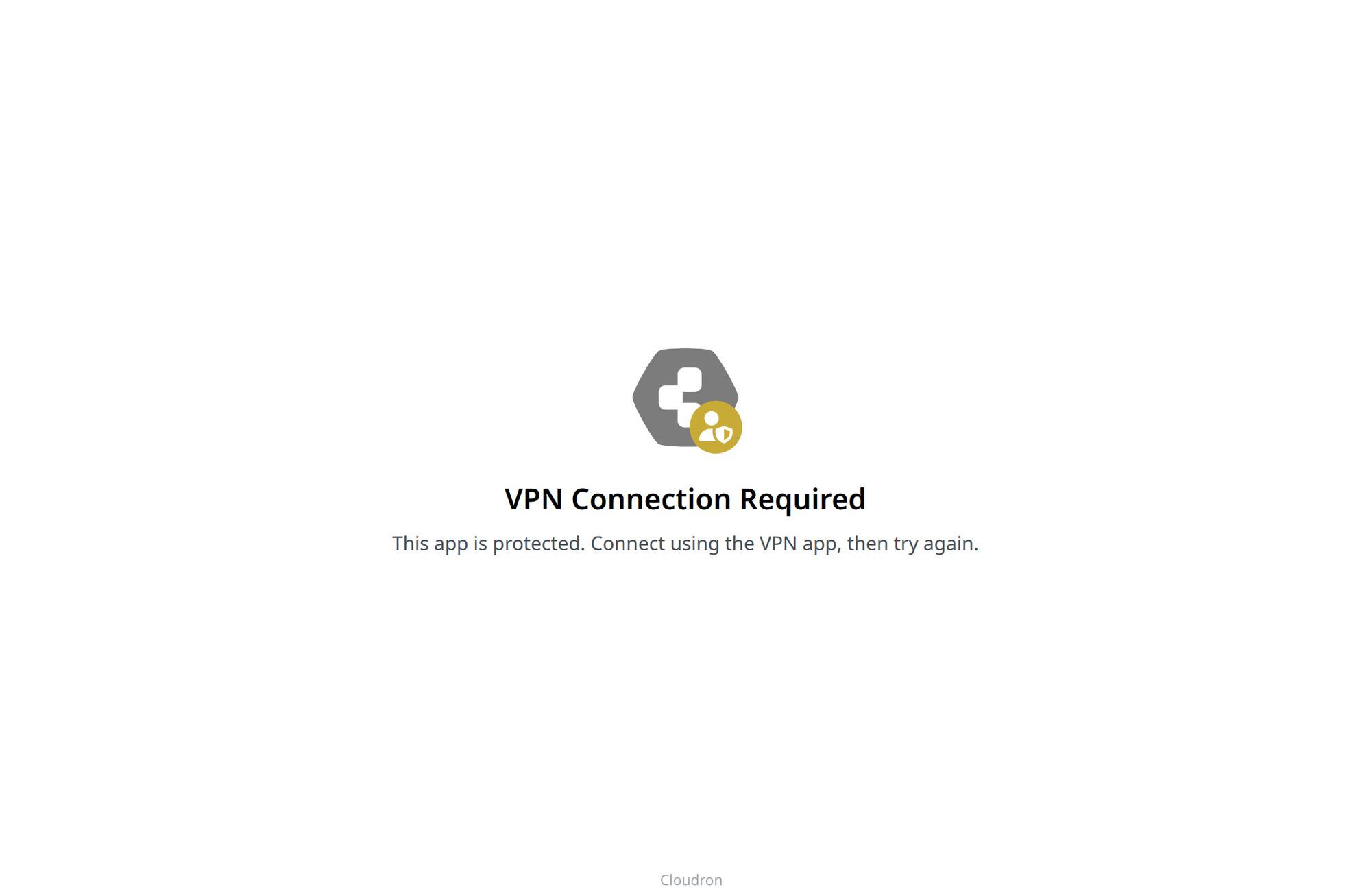
When connecting without a VPN:
Container Registry #
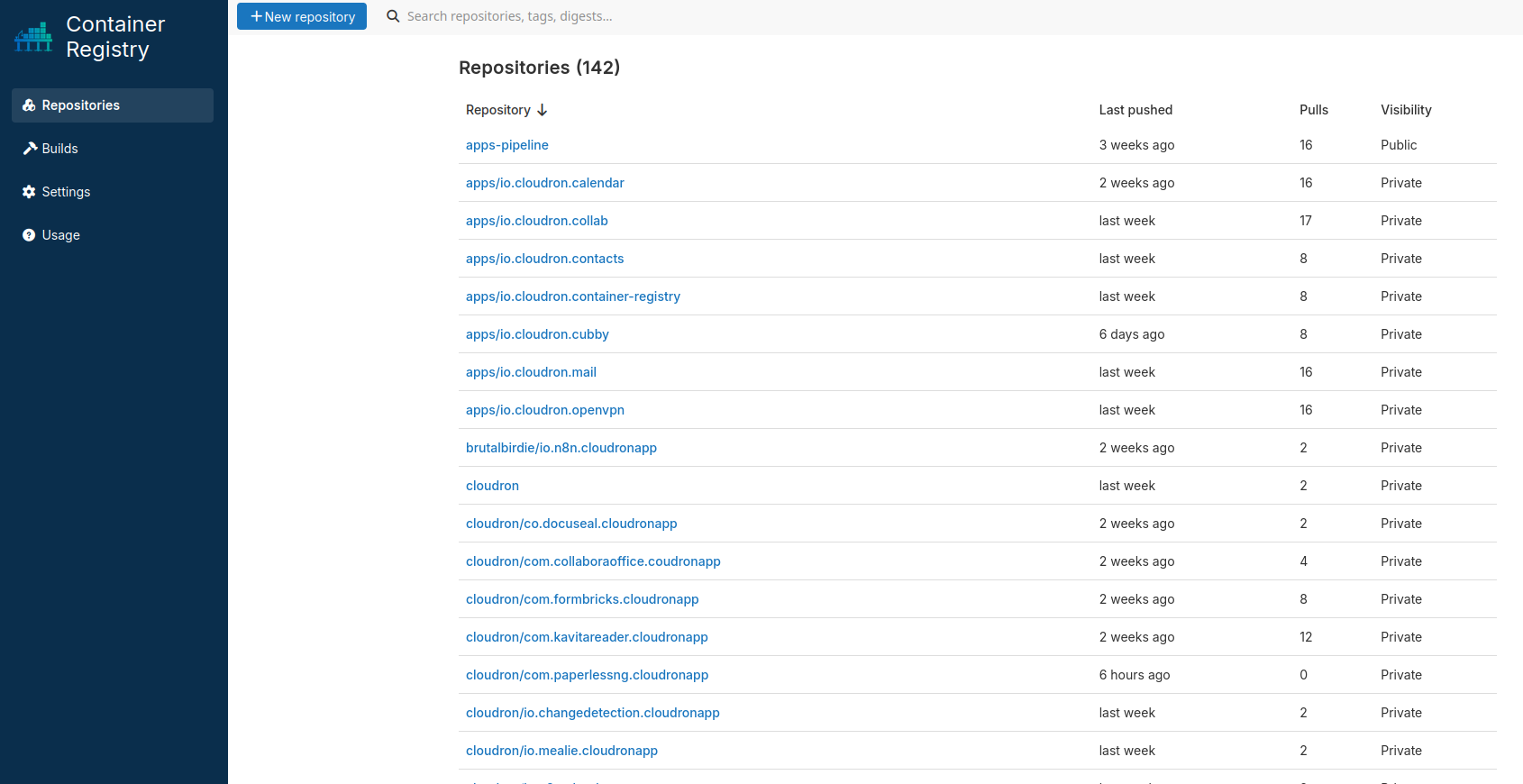
Cloudron’s app deployment workflow was built primarily for the Cloudron team. With AI, it is easier than ever to create custom packages and share them with other users. So we built Container registry: an OCI-compatible registry with a build server in the same app. Read more about it. And oh, the Community Appstore is nearing 100 apps!
Ubuntu 26.04 #
We have added support for Ubuntu 26.04 LTS Resolute Raccoon. It is the default for new installations. Existing servers can follow the upgrade guide. Note: Ubuntu 22.04 and 24.04 are still fully supported.
Single Sign-on #
Ideally, after logging into the Cloudron dashboard, a user can use mail, Cubby and GitLab immediately, without entering a new password in each app.
LDAP got us part of the way, but it is not proper SSO. The app still sees the raw username and password. From a security standpoint, this was “acceptable” when we packaged everything ourselves, but not so good with all the new third-party packages.
So we have been moving packages to OpenID Connect (OIDC) where only Cloudron sees the password. As of this writing, 93 packages are on OIDC, the 11 proxyAuth apps already moved, about 25 still on LDAP. Getting there! 😄
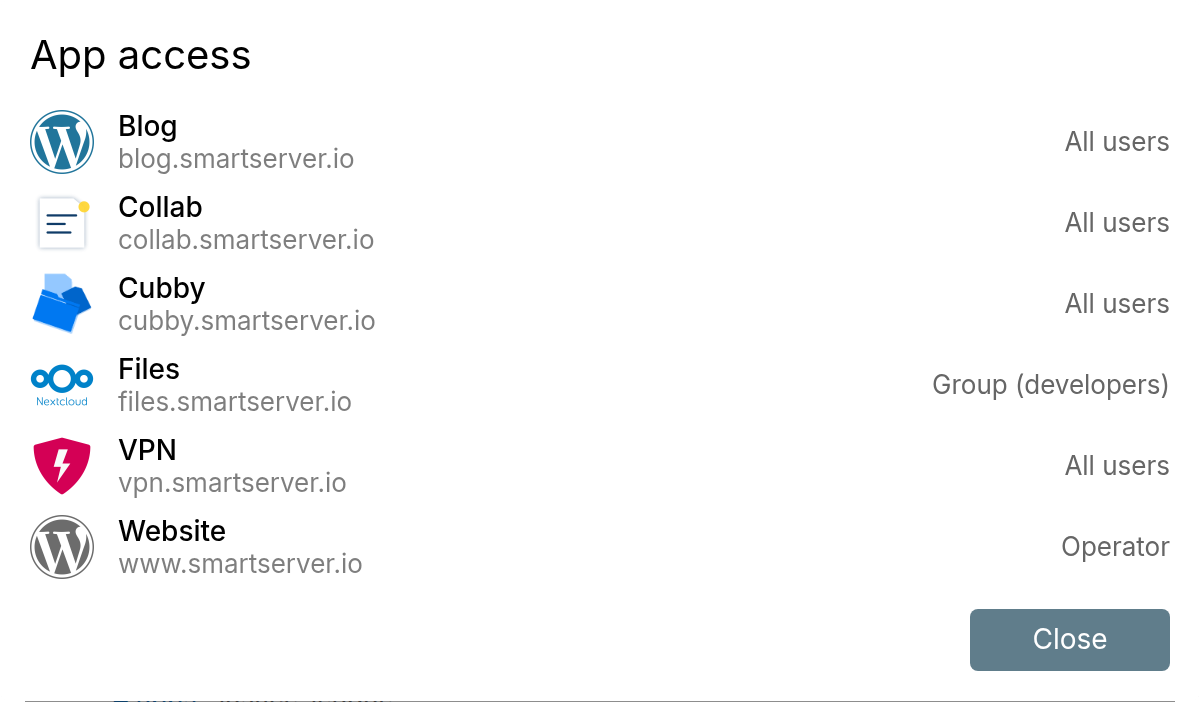
You can also see which apps a user can access, and why.
Login sessions #
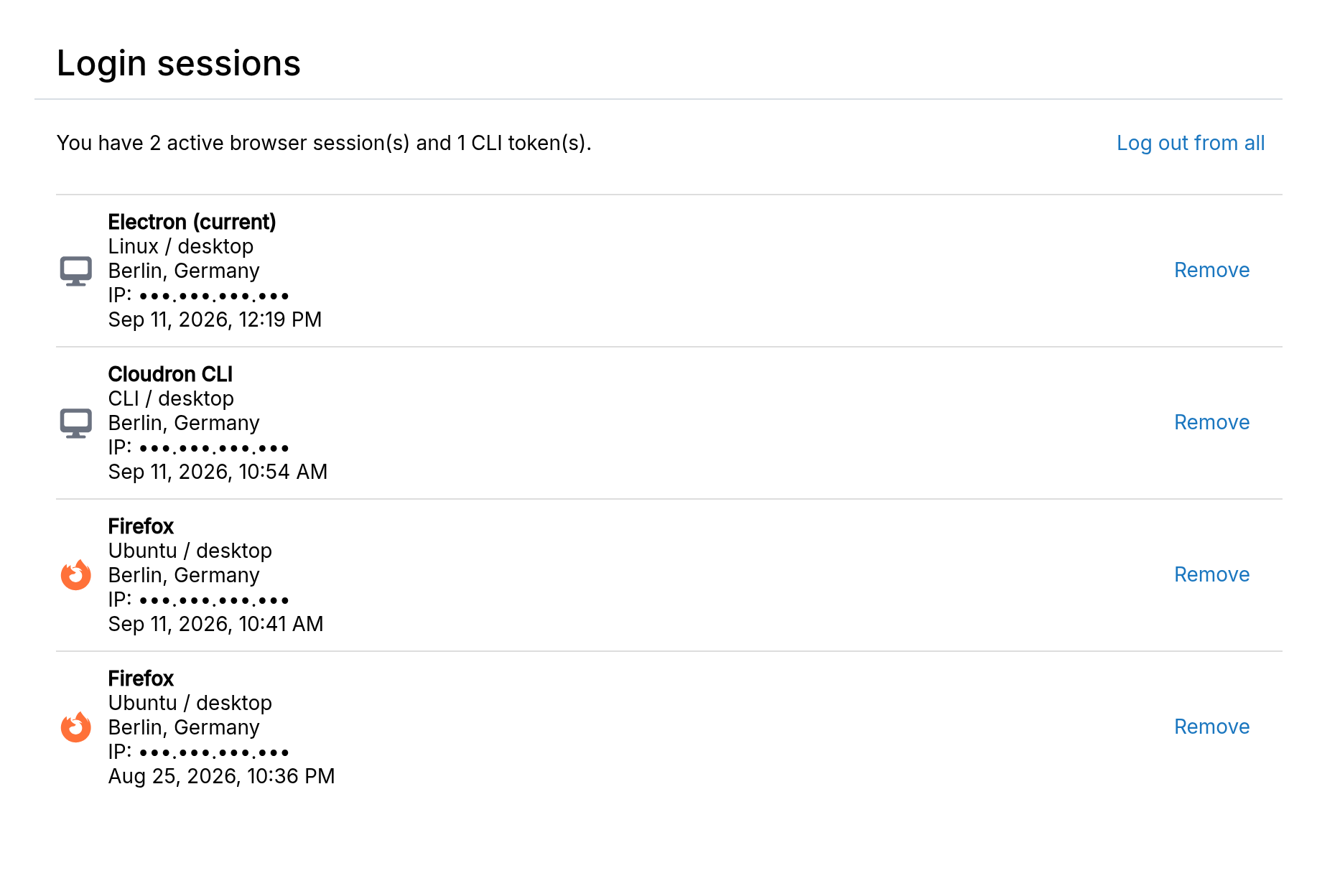
The profile now lists Cloudron browser and CLI login sessions.
Other notable changes #
- Infomaniak as a DNS provider
- Personal access tokens are now called API tokens
- Admins can create an app password that authenticates as another user
- Password reset accepts a passkey as 2FA
- TOTP backup codes
- Email notification when an app updates successfully
- Certificates and DNS sync show last run time and status
- Backups preserve file modification times
- Redis:
maxmemorypolicy and a persistence flag - SCIM can list groups and admin roles
- Security: sanitize HTML and markdown in the dashboard, enforce 2FA with the external LDAP connector, app links can no longer point at internal IPs
What’s coming next #
Head over to our forum to learn more about what’s coming in our next release - 10.1.
Install Cloudron #
New to Cloudron? Get started for free by running with 3 simple commands on your server.
wget https://cloudron.io/cloudron-setup
chmod +x ./cloudron-setup
./cloudron-setup
Comments, suggestions, feedback? Use our Forum.