
Cloudron 9
We are happy to announce the release of Cloudron 9!
For those unaware, Cloudron is a platform that makes it easy to run web apps like WordPress, Nextcloud, GitLab on your server and keep them up-to-date and secure.
New UI
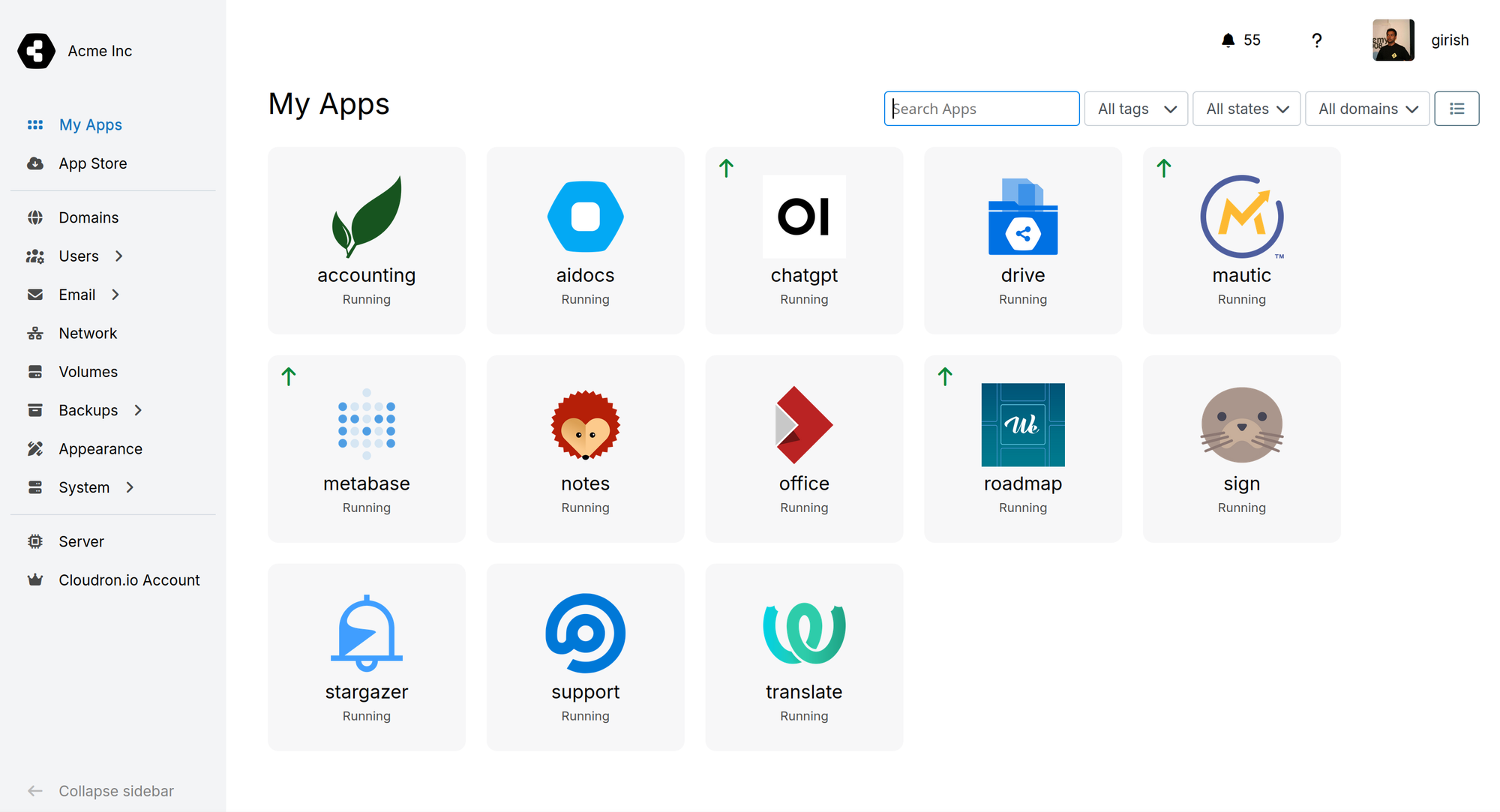
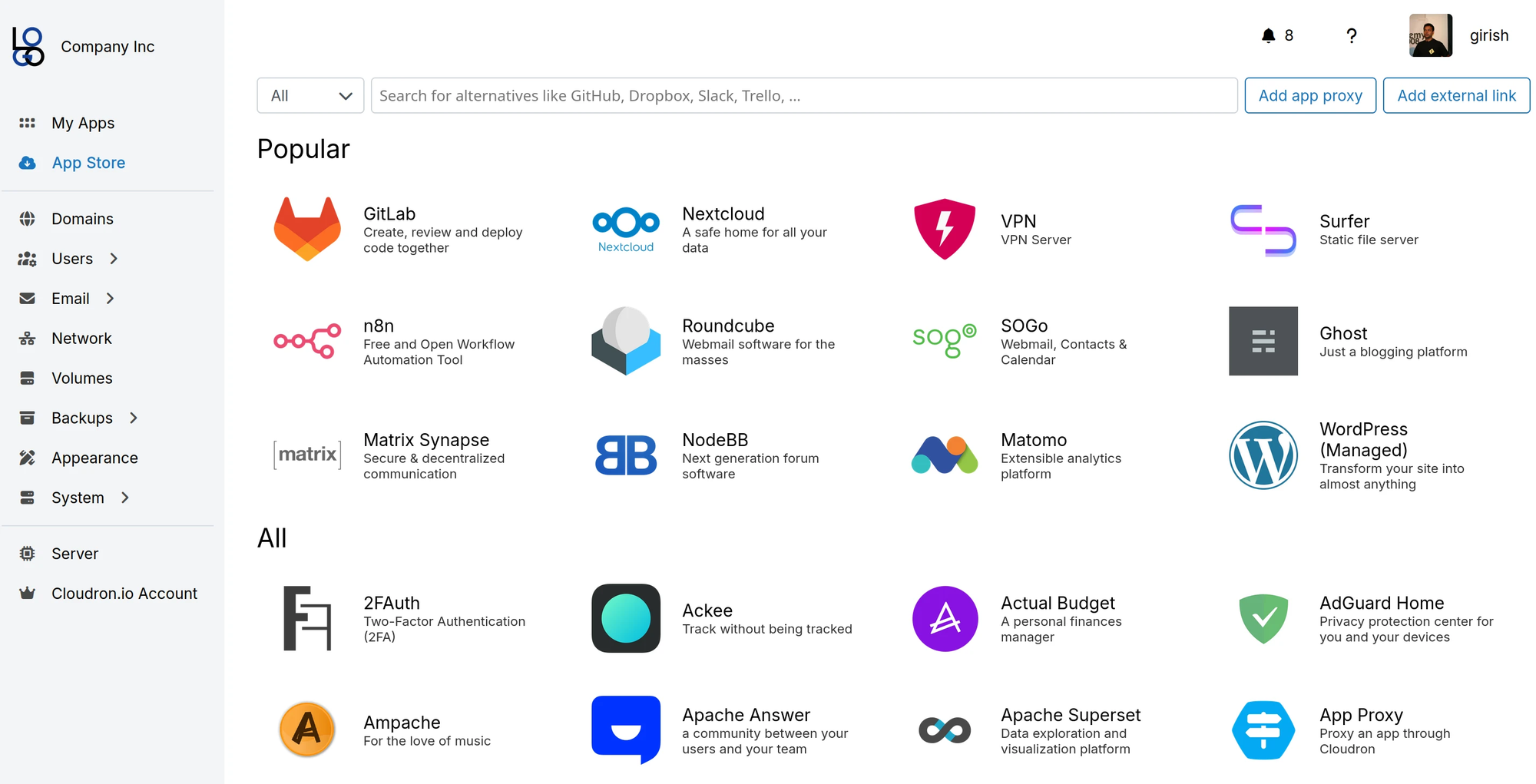
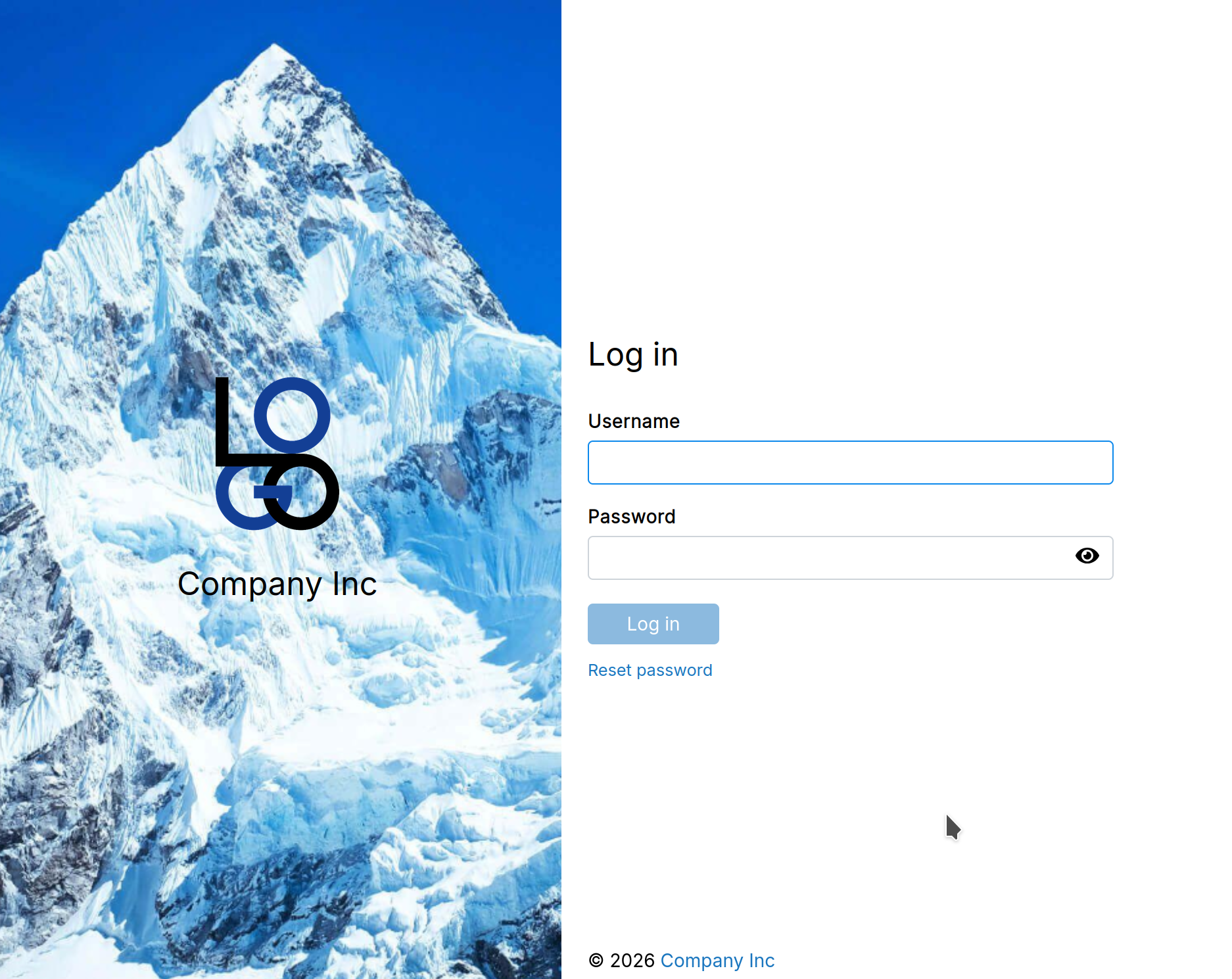
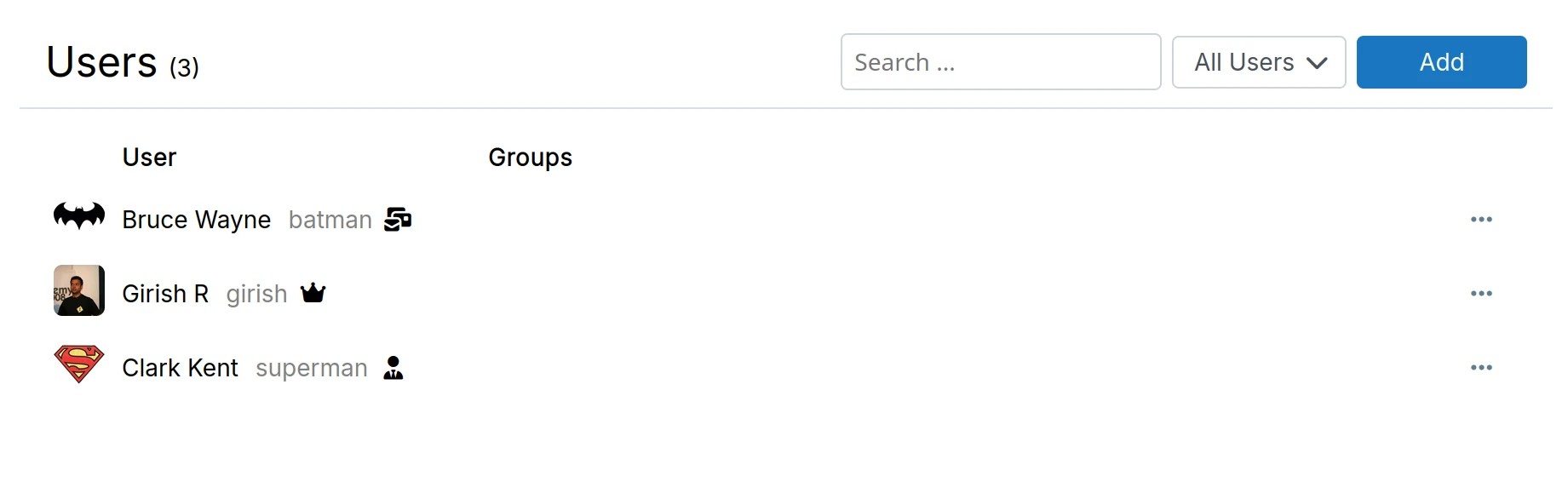
Cloudron 9 introduces a completely redesigned interface. The new UI is mobile-first by design, working seamlessly across phones, tablets, and desktops.
After a year of development, we've rebuilt the dashboard from the ground up using Vue.js 3.5, replacing 10 years of Angular 1.x code. To power the new interface, we developed Pankow—our open-source component library.
Some screenshots:
Multiple backup sites
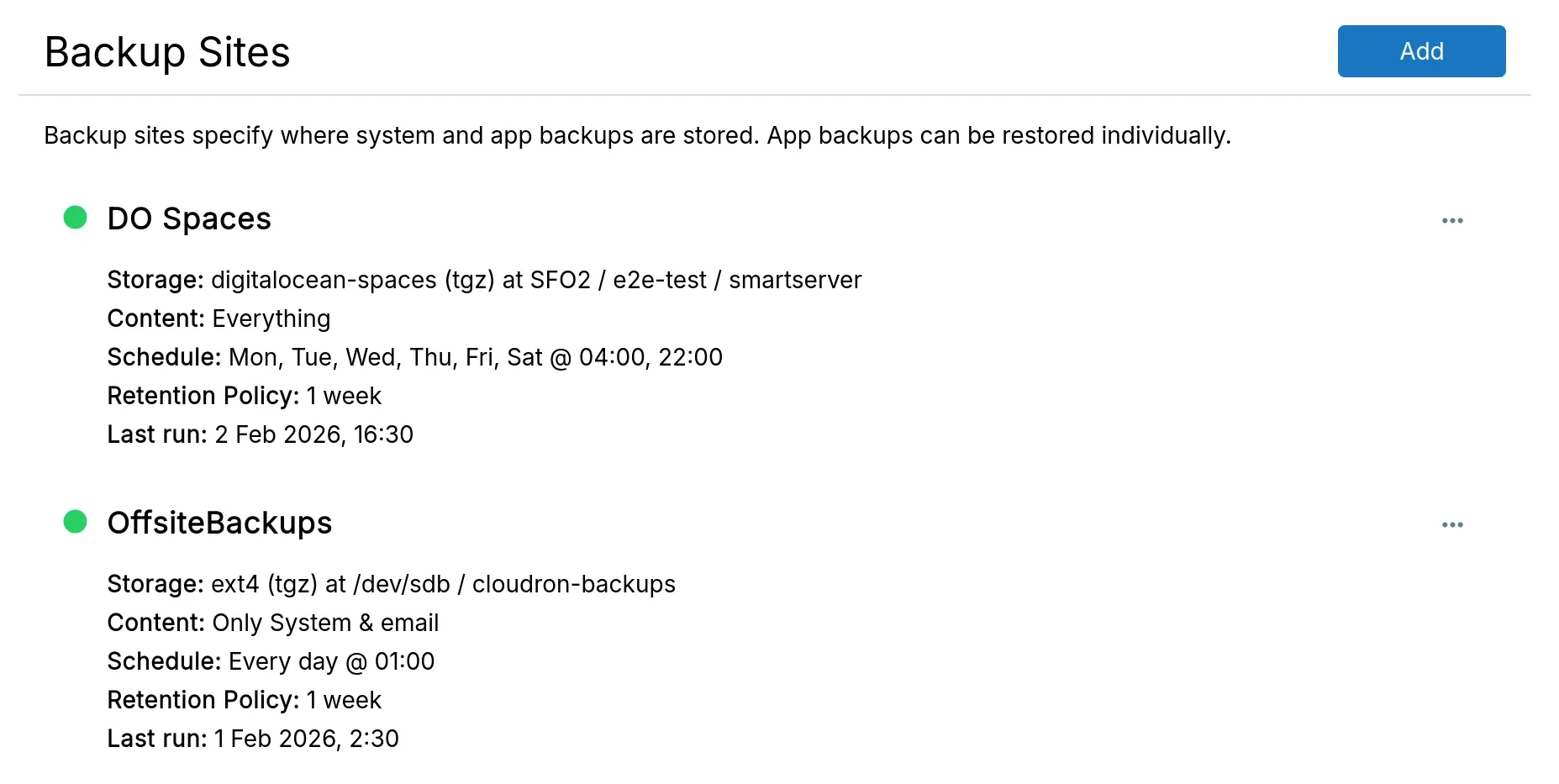
Cloudron can now back up to multiple destinations. Each destination, also known as Backup site, can use a different storage provider and schedule. You can also choose what to store on each site - everything, only selected apps or everything except some apps. For example, back up everything to your primary Digital Ocean Spaces bucket daily, while sending some critical apps to a secondary attached disk storage for extra redundancy.
Live graphs
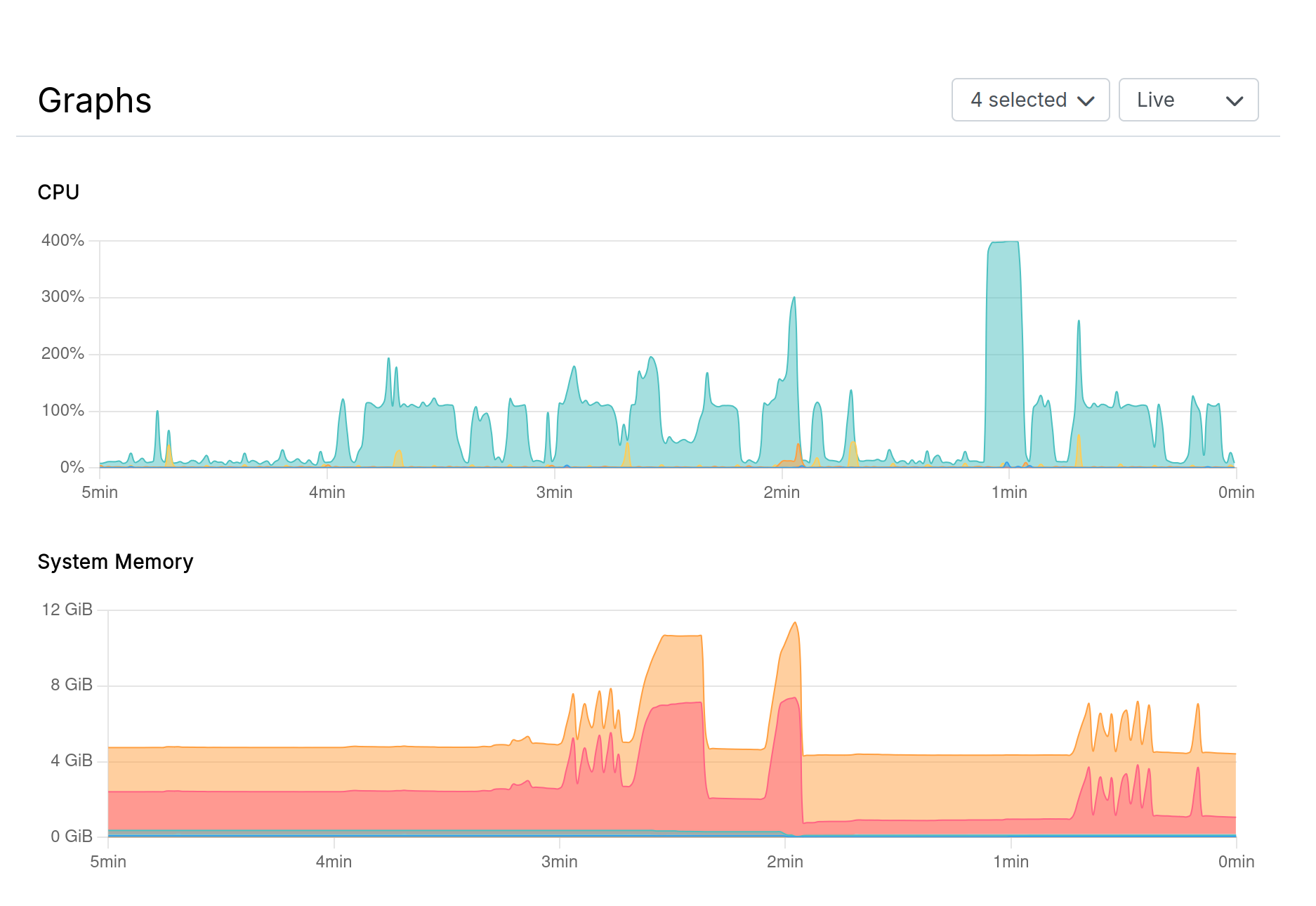
The Server view now displays real-time and historical graphs for CPU, memory, disk I/O, and network I/O with selectable timeframes.
Backup stats & integrity
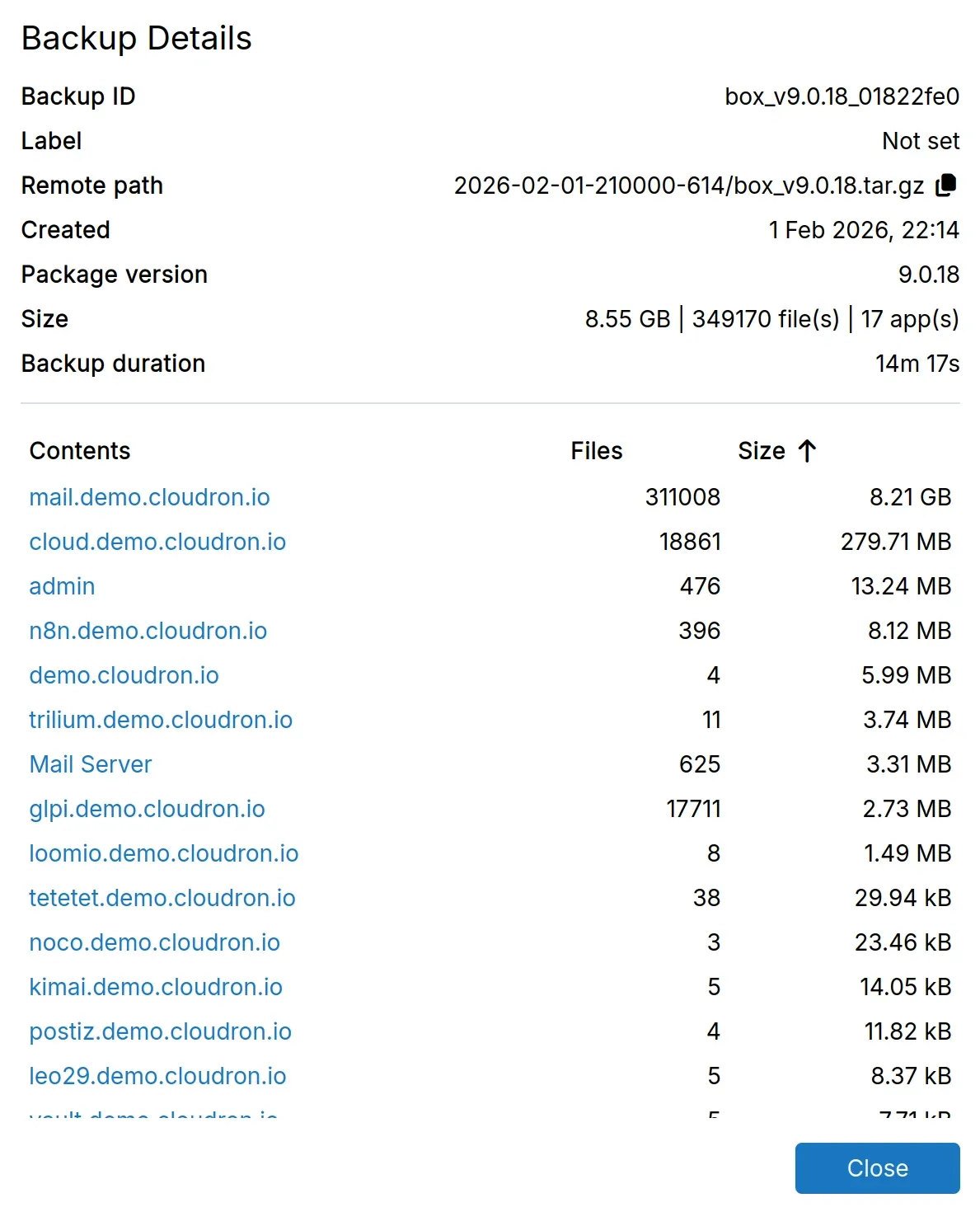
Cloudron 9 now tracks backup statistics for every backup. You can see the backup size, backup contents (file count & app count), and the time it took to create the backup in the backup info dialog.
A hidden feature is that integrity information is now stored alongside the backups. Each backup includes a SHA256 checksum and file size for verification. This allows detection of corrupted backups before restoration, ensuring only valid backups are used. The verification UI is coming in Cloudron 9.1, which will allow you to manually verify backup integrity at any time.
Multiple docker registries
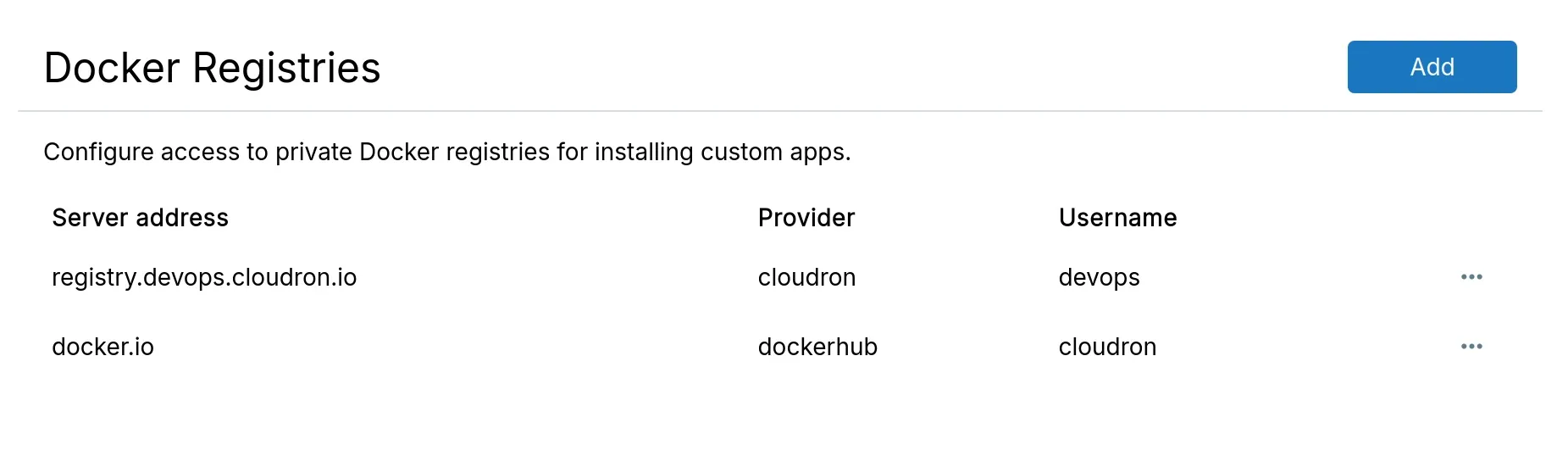
Multiple private Docker registries can now be configured (previously limited to one), with credentials automatically selected based on the image's registry hostname.
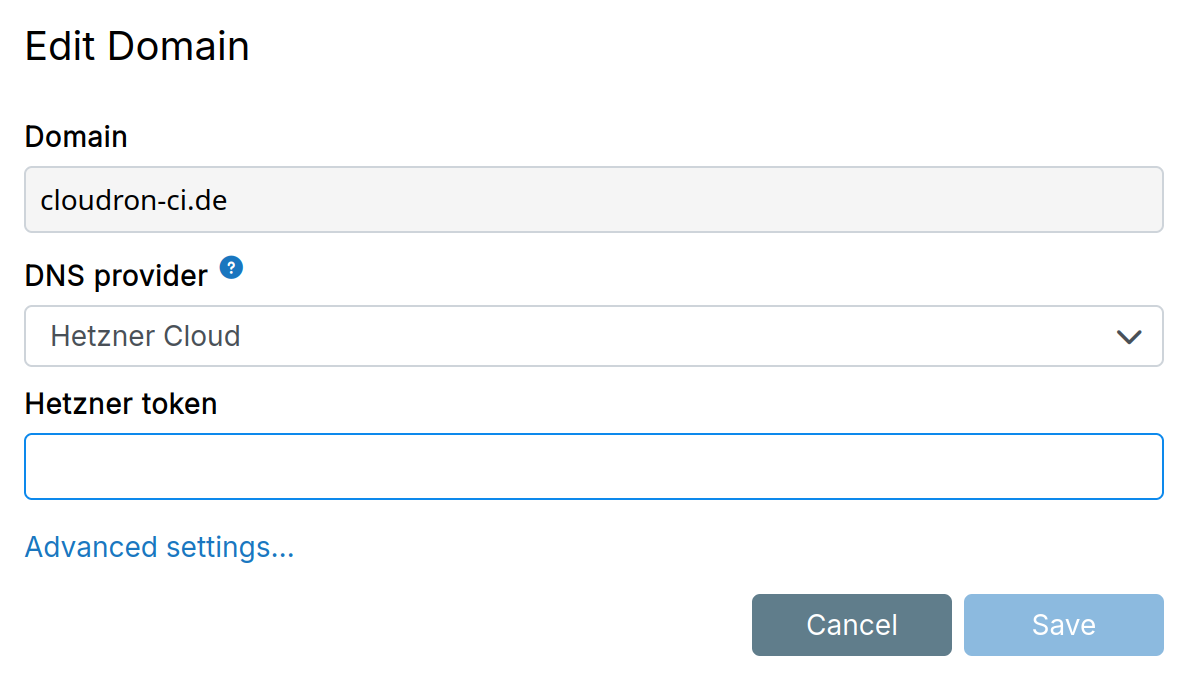
Hetzner Cloud DNS
Hetzner is migrating its DNS Console into Hetzner Cloud. We have added support for the new Hetzner Cloud DNS API. Migrate your domain first and then choose the new provider in the Domains view.
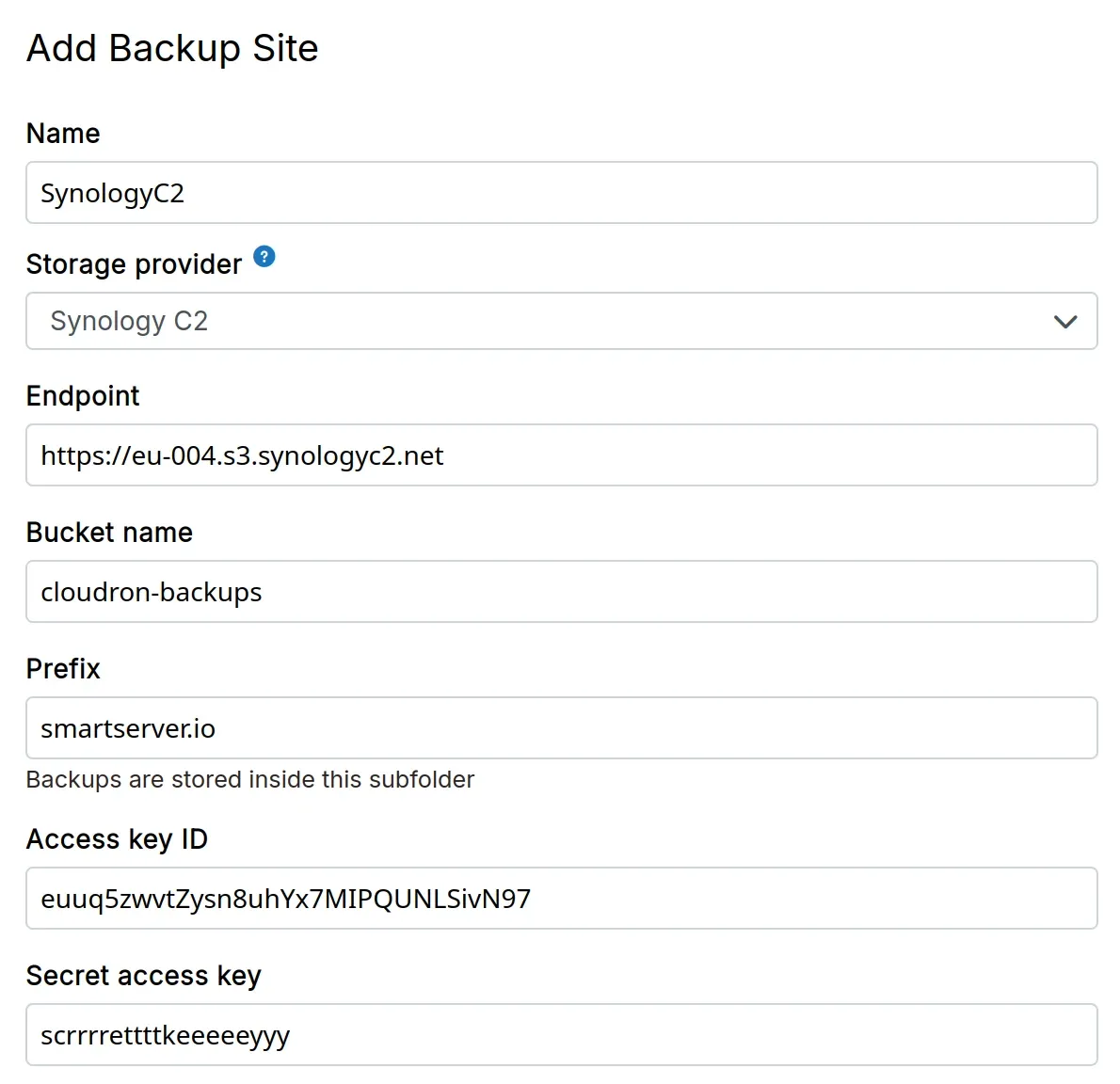
Synology C2
Synology C2 is now a supported backup destination. Create a backup site with C2 credentials to store your backups.
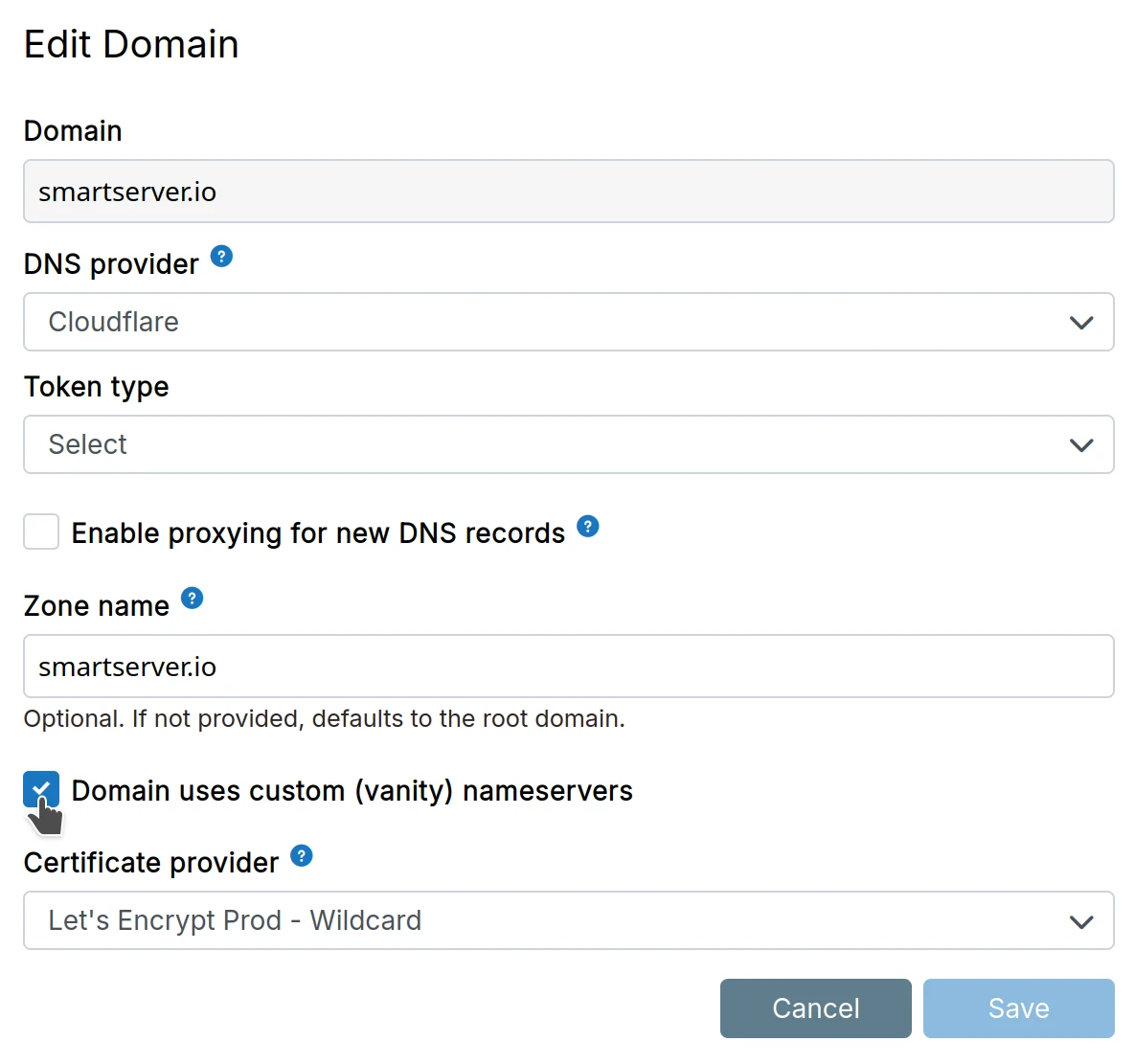
Vanity nameservers
Domains can now use custom (vanity) nameservers like ns1.yourdomain.com instead of provider defaults. Enable the option in advanced settings to bypass nameserver verification checks.
SSHFS optimizations
Hetzner Storage Box is a widely used SSHFS backup destination. Performance optimizations have been made to the SSHFS storage backend to skip FUSE calls and use SSH directly. Users can expect 10-100x speed improvements when using the rsync backup format.
New docs
Documentation has been migrated from MkDocs to Docusaurus. The API is now fully documented with complete endpoint references and examples
Notifications
New email notifications: server reboot required, update failures, and low disk space alerts (triggered at 90% capacity).
We are also working on a new Notifications view for 9.1 .
Other Notable Changes
- Software updates: Haraka (3.1.2), Docker (28.1.1), Redis (8.2.2), MongoDB (7.0.28 - this fixes mongobleed)
- Support for Ubuntu 20.04 is deprecated
- API keys of domains is periodically validated
- Optional addons are disabled by default for new installations
- mail: Brevo mail relay
- App backup runs separately in a background and does not block app operations
- Security: API tokens can now be restricted to specific IP addresses or subnets
- Gravatar support for profile pictures is dropped
- Admins can manage profile pictures of users
- OCSP support has been removed. Let's Encrypt has now uses CRLs.
- OpenID: Workaround bug in Cloudflare Access
- CSP/Robots has common patterns
- mail: add rbl6 check
What's coming next
Head over to our forum to learn more about What's coming in our next release - 9.1.
Install Cloudron
New to Cloudron? Get started for free by running with 3 simple commands on your server.
wget https://cloudron.io/cloudron-setup
chmod +x ./cloudron-setup
./cloudron-setup
If you made it till here, here's a bonus - starting from Cloudron 9, you don't need to sign up anymore for a Cloudron.io account 🤗.